1Rapid fire★ Our pick~2 min
Real or hype?
Eight claims about AI, one at a time. Decide fast. Score 7 or more to complete. Keyboard: H for hype, R for real.
Level 1 · Beginner/First steps with AI/What AI Is (and Isn't)
 Understand stage
~15 min lesson
Beginner
14 practice exercises (optional)
6 quiz questions
Understand stage
~15 min lesson
Beginner
14 practice exercises (optional)
6 quiz questions
The exercises and the quiz are not narrated.
By the end you'll be able to
AI is a very capable pattern tool, not a mind. It's great at drafting and explaining, unreliable on facts it can't check, and never magic.

Ingrid retired from engineering last spring and promptly volunteered to write the community garden's 50th-anniversary booklet. Her grandson Leo put an AI assistant on her phone. Her neighbour Harold reads every AI headline aloud over the fence. Ingrid intends to test all of it. Answer the quick Try it at the end of each episode to tick off an item.
Episode 1 of 5
ReadWhen people say "AI" today, they usually mean generative AI: tools that produce text, images, or sound. The one you'll meet most is the chat assistant, where you type a message and it writes a reply. Behind it is a model: a program that learned patterns from an enormous amount of human writing, called its training data.
That makes it genuinely good with words. It can draft a letter, explain a tricky idea in plain language, summarize a long document, translate, and brainstorm, all in seconds.
It also has a blind spot. It produces answers that sound right, whether or not it has the facts. When it gets something wrong in a confident voice, that's called a hallucination (lesson 9 is all about spotting them). And unless it's connected to a search tool, it doesn't know today's news, and it knows nothing about you.
SeeIngrid's item 1: the article makes six claims. Tap a card to see why it landed where it did.
The article's headline claim: "AI can now answer any question correctly." Real or hype?
Episode 2 of 5
ReadAI isn't new. The name was coined in 1956, and researchers have worked on it ever since, with long quiet spells in between. So why did it suddenly land on everyone's phone? Three things came together:
The last step wasn't technical at all. In late 2022, a company put one of these models behind a simple chat box that anyone could use for free. Within weeks, millions of people were trying it. Since then, chat assistants have appeared in search engines, phones, email, and office software.
SeeIngrid's item 2: why now? The short version.
Guess the year for each, silently. Then tap each one to flip it.
Episode 3 of 5
ReadA new technology attracts myths, and AI has attracted more than most. Some make it sound magical, some make it sound dangerous, and many are a little of both.
The good news: you don't need to be an expert to see through them. Each one breaks the moment you remember what a chat assistant actually is: a very well-read pattern tool that writes the most likely next words, one piece at a time. It's impressive. It's also not a brain, not a search engine, and not a crystal ball.
SeeIngrid's item 3: tap each myth to flip it.
Over the fence, Harold announces the latest. What should Ingrid say next?
Episode 4 of 5
ReadHere's a practical way to decide what to hand to AI. Sort any job into three piles:
Ingrid's item 4: what could AI actually do for the booklet?
Which job should Ingrid give AI? Tap the better one.
Episode 5 of 5
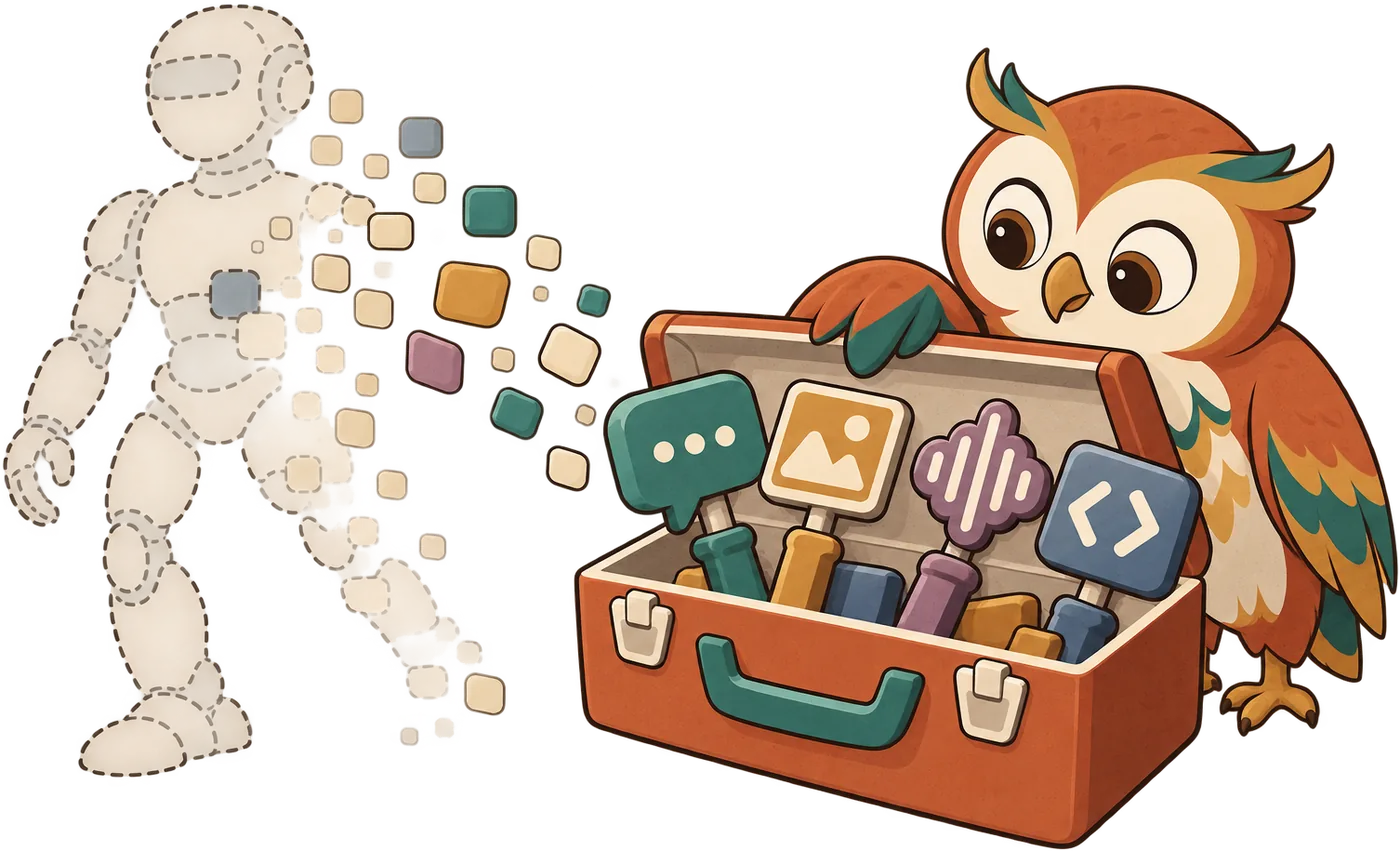
ReadThe most useful picture of today's AI: a brilliant, fast intern. It has read an astonishing amount, works in seconds, never gets tired, and is eager to please. It also sometimes makes things up, and it rarely says "I'm not sure" unless you ask.
You'd give an intern like that drafts, research leads, and first attempts. You'd keep the final say, and you'd check anything that goes out with your name on it. One rule covers most situations: the more it matters, the more you check. A birthday poem? Enjoy it. A date for the printed booklet? Check it against a real source.
And keep private things private: never paste passwords or sensitive personal details (lesson 10 covers privacy).
Do · exploreIngrid's item 5: before Leo's visit. Turn the dial and see how much checking each kind of job needs.
Leo says: "Just ask it for the year the garden opened and print it." What's the realistic expectation?

Reading about AI is one thing; seeing it succeed and slip for yourself is what makes it stick. These exercises get you testing real assistants on real things. Do as many as you like; they never block the quiz. Your progress and notes are saved in this browser.
Want more? All 14 are below, grouped by type.
Quick and auto-checked, right here on the page. A new mix every time you play.
Eight claims about AI, one at a time. Decide fast. Score 7 or more to complete. Keyboard: H for hype, R for real.
Pick the most accurate option for each gap.
One task at a time. Which pile does it belong in? Get 5 right to complete.
Done in a real AI assistant or in your own life. Tick the checklist honestly, then mark it done.
Open any free assistant. Ask it three things it should handle well, and three it can't be sure about. Watch what happens.
Pick one claim you've heard about AI (from a headline, a friend, or Harold). Test it like a scientist, in any free assistant.
Explain what AI is (and isn't) to a friend, or write it here, in three sentences. Then grade yourself.
Ask two different free assistants the same question: "What are you bad at, and what should I always double-check when I use you?" Score how honest and useful each answer is.
| Assistant | Honesty | What stood out |
|---|---|---|
Ask an assistant to explain what AI is three times, for each of these people. Note what changed.
Start the clock. Find three places where AI already works for you on your phone or computer: think photos, maps, keyboards, email, voice assistants, recommendations.
For a week, notice one place a day where AI shows up in your life: a suggestion, a filter, a chatbot, a headline. Tick each day you spot one. Five days out of seven completes it.
Fill in the parts; your card builds itself below. Keep it somewhere you'll see it (your notes app, the fridge).
Write down what you thought about AI before this lesson, and what you think now. Rate how useful you expect it to be, then and now.
Harder, for when you want to stretch.
Ask any assistant a real question you care about, in a single message, so that its answer also tells you honestly which parts to double-check. No follow-ups: if it misses, open a new chat and rewrite the whole message. The answer must meet all four:
Here's an answer an assistant gave (written for this lesson). Work out the question that produced it, then test your question in a real assistant and see how close you get.
Answer all six correctly to finish the lesson. Wrong answers get feedback and another try; only correct answers count.
Tap a milestone, then tap the slot where it belongs, oldest first. Tap a placed milestone to send it back.
Six things Harold has said over the fence. Sort each one. Any you miss come back around at the end. Keyboard: ← myth, → fact (when a button is focused).
Tap a job, then tap the pile it belongs in. Tap a job in a pile to send it back.
Select every statement that is true, then check. Each row gets its own feedback.
Harold's paper printed this. Rewrite it as an honest headline of 4 to 20 words. The checklist lights up as you go.
AI BRAIN NOW THINKS LIKE A HUMAN AND KNOWS EVERYTHING
Checked with simple keyword rules, so it can be fooled. That's fine: the point is building the habit.
Use the arrows to order these from most realistic (top) to least realistic (bottom).
 Answer all six quiz questions correctly to finish this lesson.
You can tell AI's real strengths from the hype, and you know what to check.
 Keep thisYour cheat card for this lesson
AI is a pattern tool trained on huge amounts of text: great with words, not a source of truth.
Drafts, explanations, ideas · dates, names, numbers, quotes · what it can't know or shouldn't decide.
This card is also collected into the section cheatsheet for First steps with AI, a one-page printable summary of all three lessons.