
aiforthecurious.com
Learn AI by doing, not by reading about it.
Short, hands-on lessons that take you from your first chat to building real things with AI. Friendly, honest, tool-neutral, and free.
The first lessons are being built right now.
Try it right here
This is how every lesson feels. Twenty seconds, nothing to sign up for.
Sam wants help with an invitation and types: Write an invitation to our clean-up day. Under 80 words, friendly, for the group chat. What's the biggest thing missing?
That's the method: a little reading, a quick look, then you do it. Lesson 5, Prompting Fundamentals, goes deeper.
Start with the free lessons
The first sections are open to everyone, with no account. Each ends with a recap, a certificate, and a one-page cheatsheet.
How a lesson works
Every lesson has the same three parts, so you always know where you are. You can't finish one by scrolling.
 Part 1
Learn it
Short reading, a clear picture, and a quick try-it after each idea.
 Part 2 · optional
Practice it
Real-world exercises on your own tasks, with free tools. We pick three to start with.
 Part 3
Prove it
A short quiz you can retry as often as you like. Finish it and the next lesson opens.
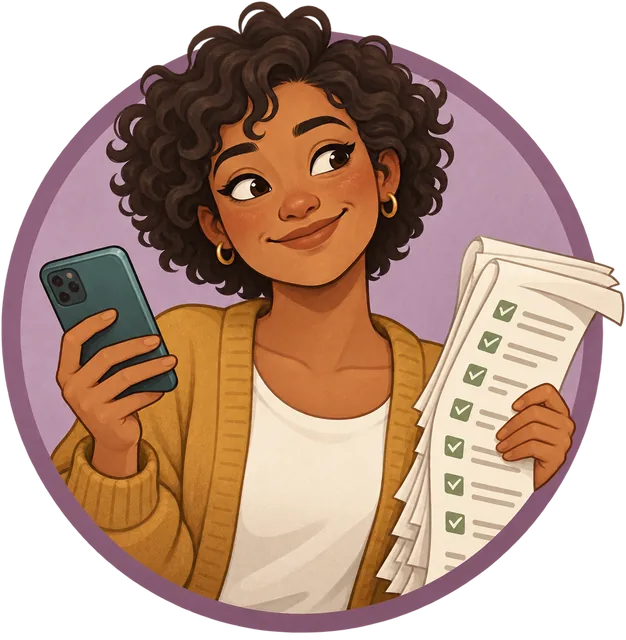 A running story. Every section follows one person with a real problem to solve. In lesson 5, it's Sam.
 An owl guide. It pops up now and then with a nudge or a joke. Mostly nudges.
 Real tools. Exercises use free tools you can open today: ChatGPT, Claude, Gemini, Copilot, and more.
What makes it different
Your tasks, not toy examples
Practice happens on real things from your own life and work.
Kept accurate
Every lesson shows when it was last checked and the sources behind it. Fast-changing facts are marked with a date.
Tool-neutral
Skills carry across ChatGPT, Claude, Gemini, Copilot, and whatever comes next.
Safety first
Privacy, scams, and checking AI's answers are taught from the very first section.
Free
The first 5 lessons need nothing at all. The rest need only a free account.
The path, from first chat to expert
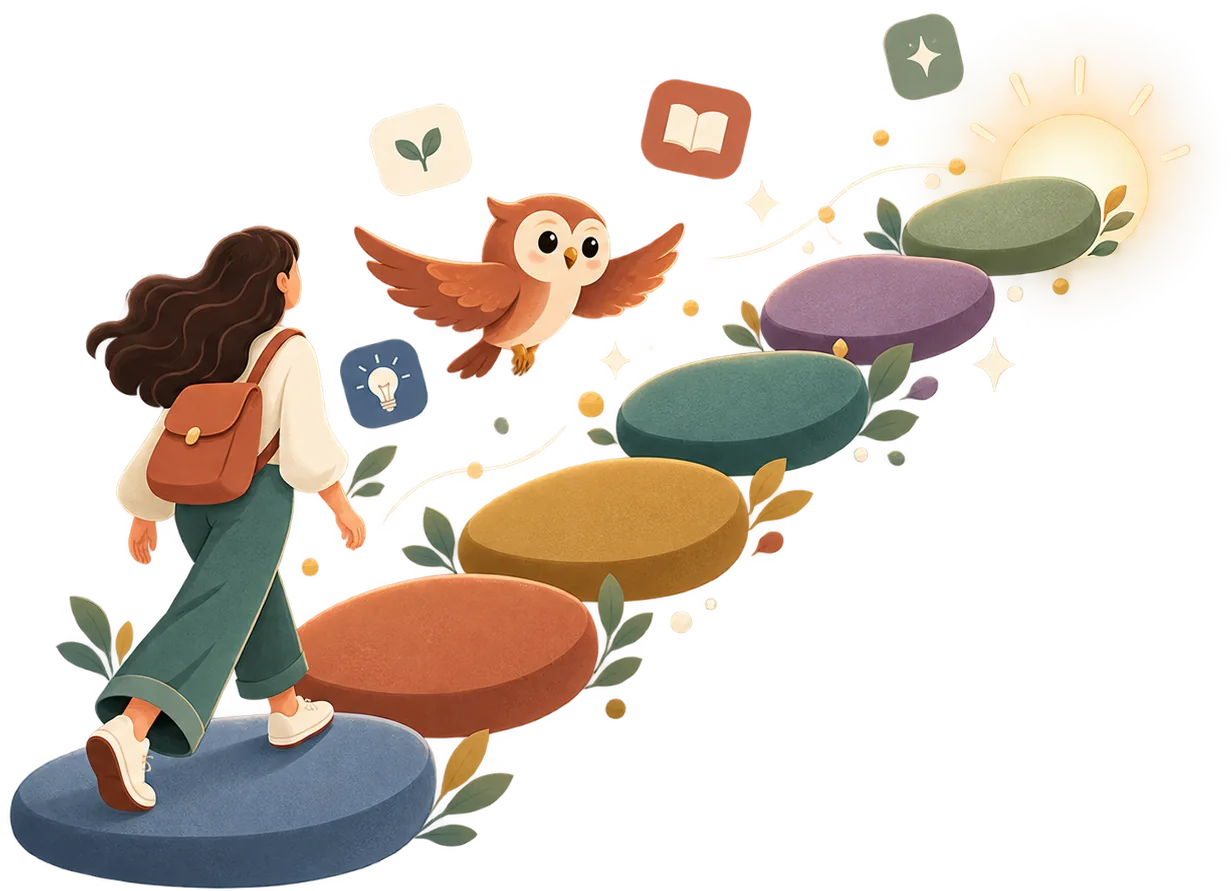
Four levels, easy to hard. Start at the beginning, or skip ahead to what you need.
 Level 1
Beginner
Use AI confidently and safely for everyday tasks.
Exam: AI Literate Level 2
Intermediate
Go deeper at work, become a power user, and build your first simple AI apps.
Exam: AI Power User Level 3
Advanced
Build real AI applications with retrieval, agents, and evaluation.
Exam: AI Builder Level 4
Expert
Train models, run them in production, specialize, and lead.
Exam: AI Practitioner Understand
 Use
Use Build
Build Train
Train Evaluate
 Govern
Each level will end with an optional exam. Pass it for a personal milestone certificate. Pass all four, then the final exam, to become an AI for the Curious Graduate.
Free, and how accounts work
The first 5 lessons are open to everyone. Every other lesson is free too; it just needs a free account (email and password, or a sign-in link by email).
Why an account helps
- Your progress follows you to your other devices.
- You keep your certificates.
- Sign in with a link sent to your email: no password to remember.
Free cheatsheets
One page per section, with the most useful bits of every lesson. The cheatsheets for the first three sections are free for everyone: print them, share them, stick them on the fridge.
Questions, answered honestly
Is it really free?
Yes. The first 5 lessons need nothing at all. Every other lesson is free with an account. There is no paid plan for individuals on this website.
Do I need to be technical?
No. Level 1 has no code at all. The deeper levels are there when you want them, and they explain things before they use jargon.
How long is a lesson?
About 15–25 minutes, plus the optional exercises if you want more practice.
Which AI tools do I need, and do they cost anything?
Any free AI assistant works. Every exercise lists at least two free options, and nothing asks you to pay or to share a password or key with us.
What happens to my data?
Without an account, your progress stays in your own browser. Notes you type in exercises stay on your device unless you choose to sync them. More in the Privacy policy.
Who makes this?
A small independent team who think learning AI should be hands-on, honest, and free to start. How we choose what to teach, and how we keep it accurate, is on How we teach.
Is there something for kids?
Yes: Curious Kids, 12 short adventures for ages 8 to 12, to do alone or with a grown-up. No accounts, and nothing leaves the device.
Why an owl?
Owls are famously curious, stay up late reading, and look wise even when they're confused. Relatable.
Curious? Good. That's the only prerequisite.
The first lessons are being built right now.