

Curious Kids · Lesson 9 of 12
AI All Around You
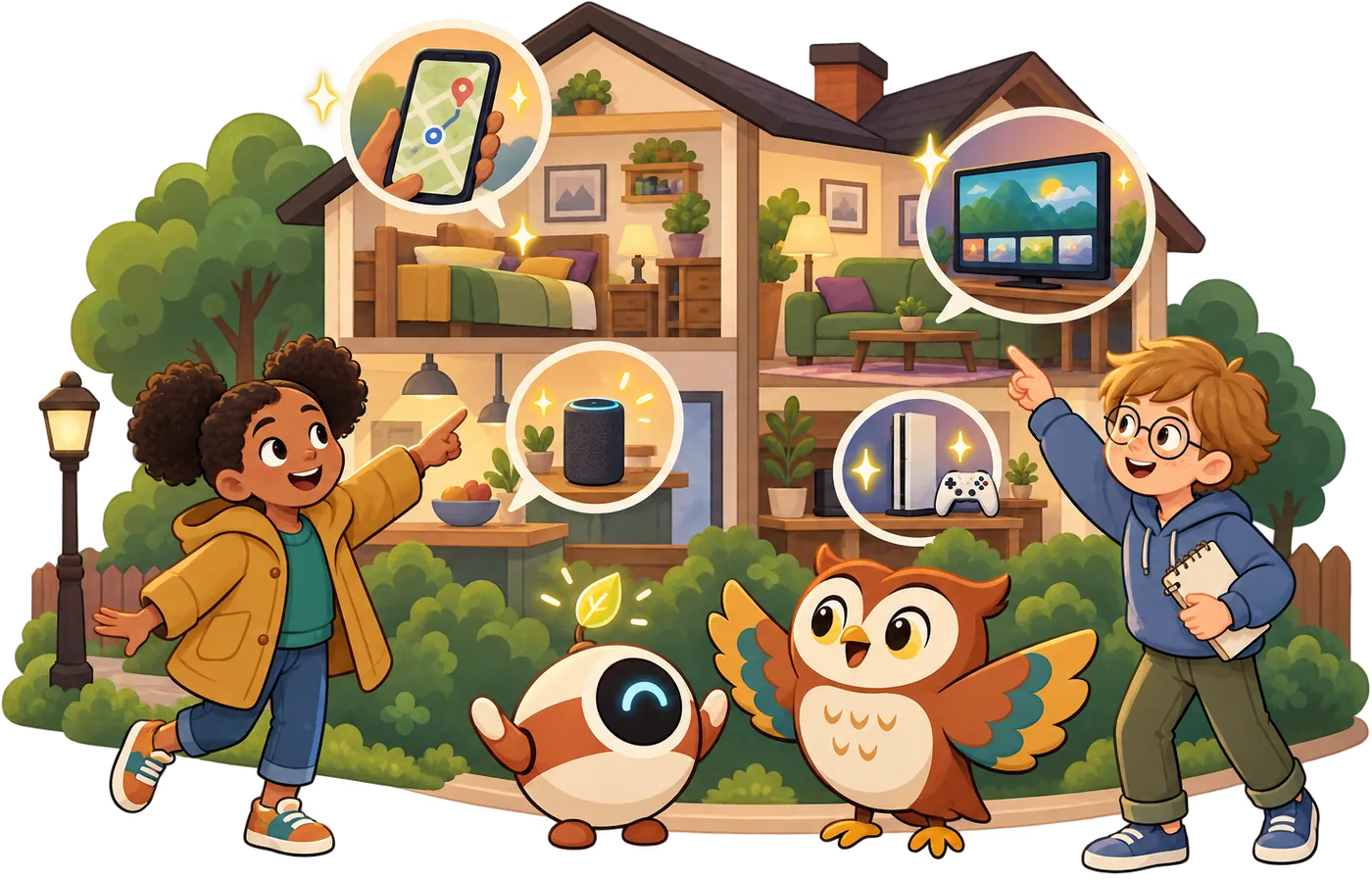
AI is already in maps, voice helpers, games, and suggestions. Spot it!
Your device reads the story out loud.
 Sticker waiting for you
Safety tip: Notice when AI is choosing for you. · Pip is a pretend AI, for practice
Story time
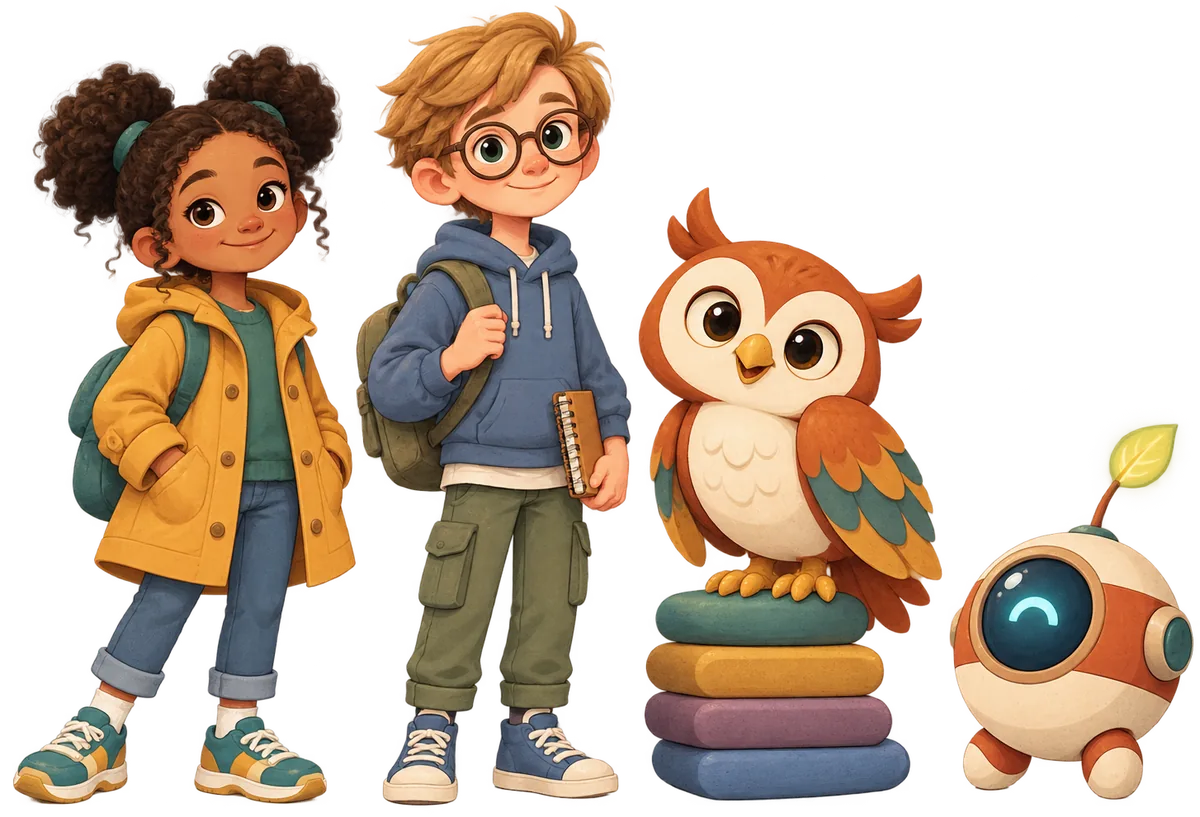
NarratorIt was Sunday. Noor's mum was taking Noor and Theo to the seaside.
Noor's mumI don't know the way. I'll ask the map app.
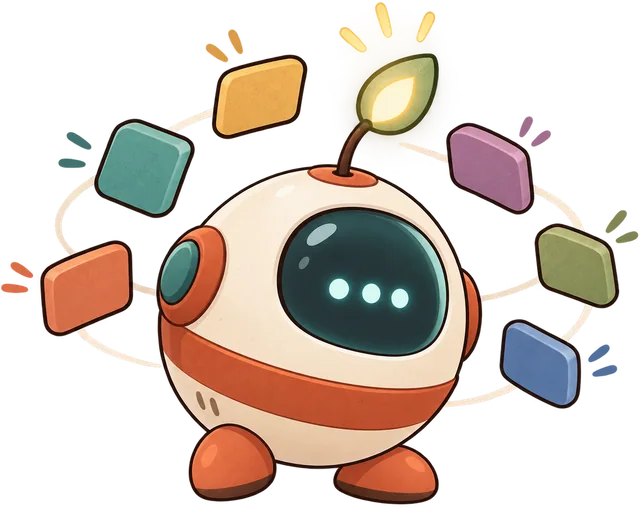
PipBeep! The map app chose a road for us. It guessed which way is quickest.
TheoHey voice helper, how deep is the sea?
NarratorThe voice helper gave a quick answer.
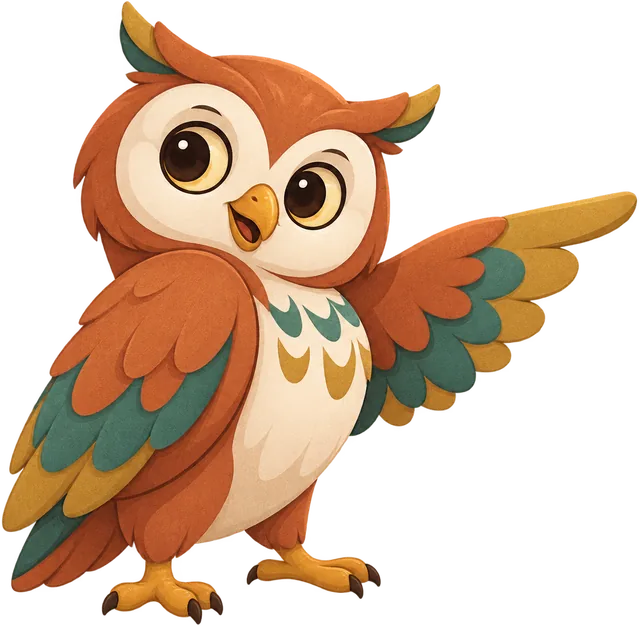
OwlHoo! That voice helper uses AI. It listened, then guessed what Theo meant.
NarratorOn the way home, Noor watched a video about dolphins.
NoorWait. I didn't pick this next video. Who chose it?
PipThe video app did! It made a suggestion. Then it played it before you could say no.

Noor's mumLet's take a photo. Oh! The filter gave us all bunny ears.
PipIt gave me bunny ears too. I don't even have a head!
TheoAI is everywhere today. It keeps choosing things for us.
OwlWell spotted! AI can be helpful. But you can choose too.
Noor's mumShall we turn off autoplay together? Then you pick the next video.
NoorYes! I want to be the one who chooses.
Spot the AI
AI hides inside lots of everyday things. It's not always easy to see.
Here is a clue. AI learns from lots of examples. Then it makes a guess, like which song you'll like next.
A simple machine just follows the same steps every time. A timer counts down. A key opens a lock. No guessing.
If a machine learns and guesses, it probably uses AI. If it does the same thing every time, it probably doesn't.
AI chooses things for you
Lots of AI helpers make a suggestion. A suggestion is an idea for what to do or pick next.
Suggestions can be handy. A map app can find a quick way home.
But when AI chooses, you might not notice. The next video just starts. The next song just plays.
So ask yourself: who chose this, me or the app? You can always choose something else.
AI helpers choose things for us all day. Noticing it means you can choose for yourself.
Try it: AI hunt at home
No screens needed. Go on a hunt with a grown-up. Where might AI be hiding in your home?
- Walk round your home together with a pencil and paper.
- Check these places: the TV, a phone or tablet, a speaker, a game, a car, a camera.
- For each one, ask: does it learn and guess, or does it do the same thing every time?
- Put a tick next to the ones that use AI.
- Pick one where AI chooses for you. Talk about how you could choose for yourself.
You don't need to open any apps. Just look and talk. Grown-ups can help with the tricky ones.
Optional. Just for fun.
Check it, and earn your sticker
 Word jar
 For grown-ups
What your child learned
AI is built into everyday things: maps, voice helpers, photo filters, games, and recommendations. Your child practised spotting it, and noticing when an app is quietly choosing for them (the next video, the next song, things to buy).
Talk about it
- Which apps in our home choose things for us? Do we mind?
- When a video starts by itself, how could you decide whether to keep watching?
- Why do you think apps want to choose the next video for you?
A five-minute activity
Pick one device your child uses and look at its settings together. Find autoplay, or recommendations, and decide together whether to keep it on.
Safety notes
Recommendations are designed to keep people watching, buying, or scrolling. Children who learn to notice “the app chose this” are better placed to stop, choose, and take breaks.
If this worries your child
If your child feels uneasy that AI is everywhere, keep it calm and practical. These are tools people built to help, and many are useful. The point is simply to notice them, so they stay in charge of their own choices.
Curious Kids has no accounts and collects nothing: progress and stickers stay on this device. More in the grown-ups guide.