

Curious Kids · Lesson 6 of 12
Keep Your Secrets Safe
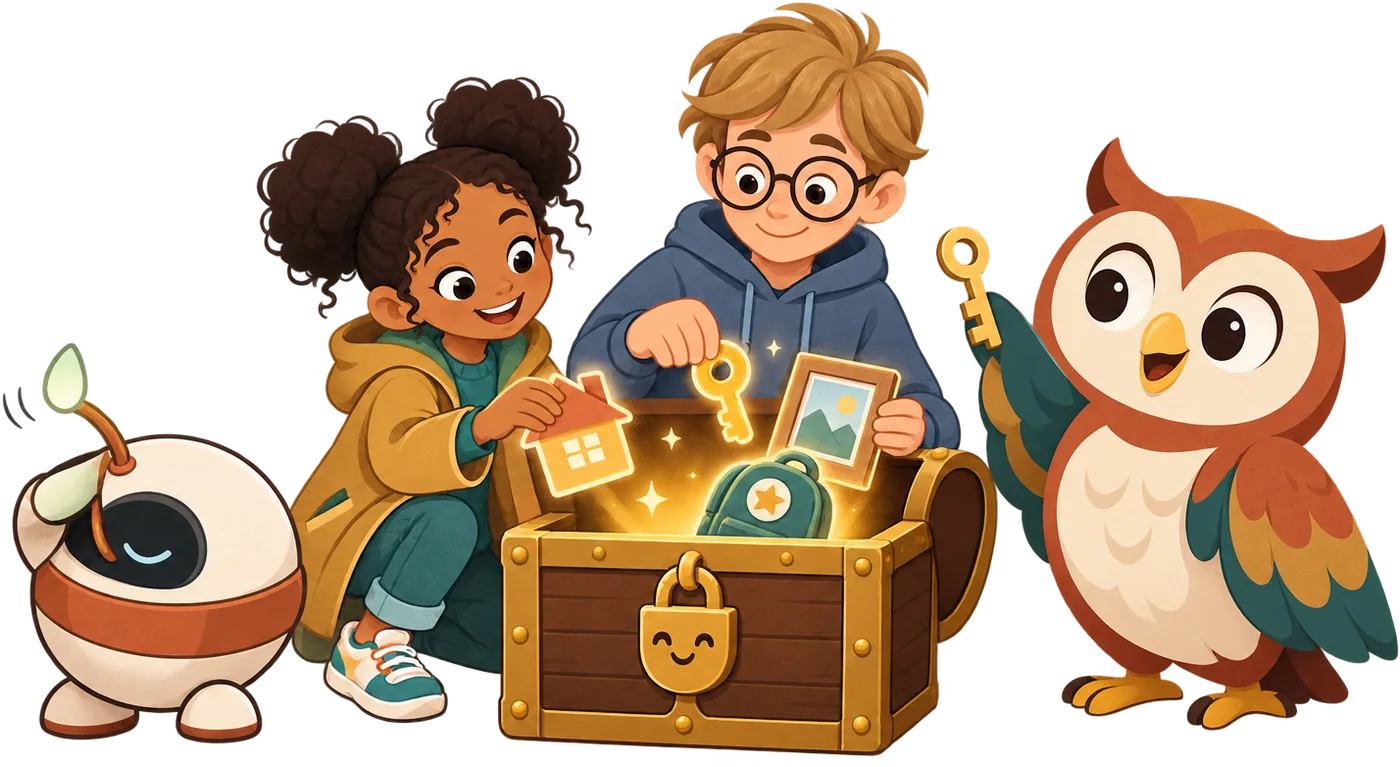
Some things are private: your full name, address, school, photos, passwords.
Your device reads the story out loud.
 Sticker waiting for you
Safety tip: Never share private things with AI or online. · Pip is a pretend AI, for practice
Story time
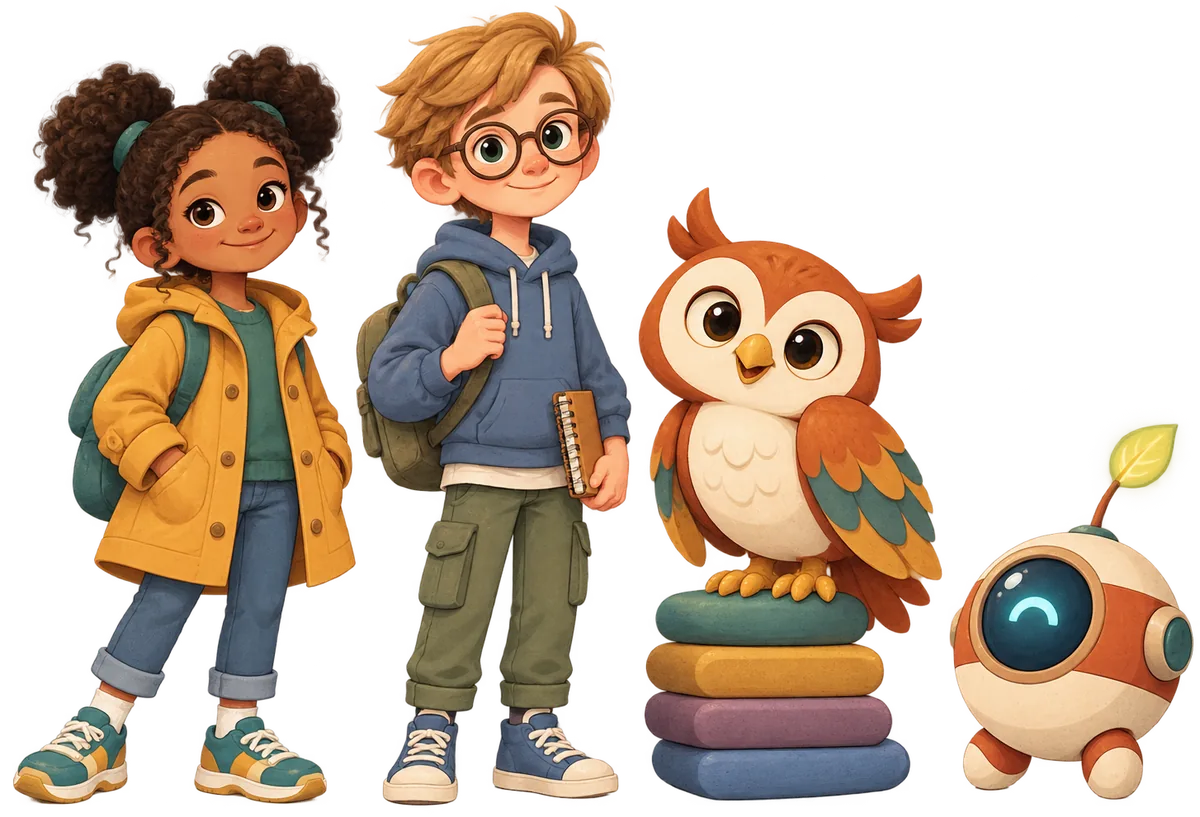
NarratorNoor was playing a pretend game called Galaxy Goats. It isn't a real game. We made it up for this story.
NarratorSuddenly, a big sparkly box popped up on the screen.
NoorIt says I won a prize! It wants my full name and my home address to send it.
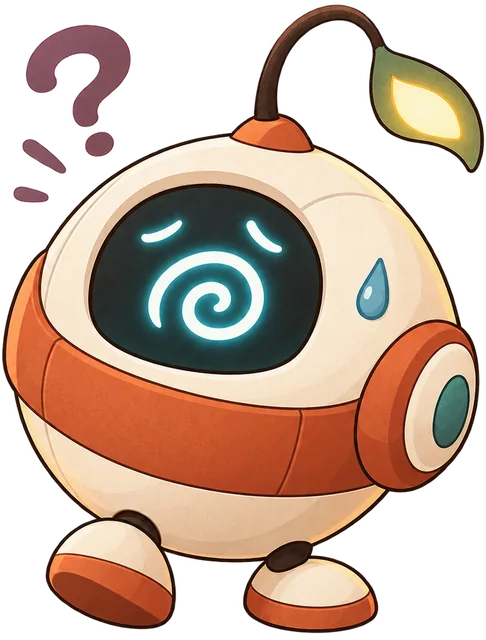
PipBeep! Wait a moment, Noor. Your full name and your address are private.
PipA real prize never needs you to share those. Let's stop and think first.
NoorPrivate? But why?
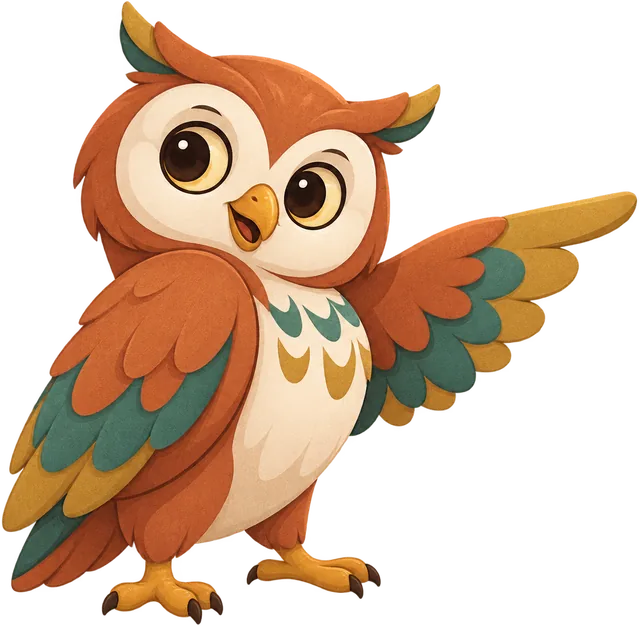
OwlHoo! Private means it belongs to you and your family. You don't share it with strangers or apps.
TheoWhat about my favourite football team? Is that private too?
OwlNo, that's fine to share. It can't help anyone find you. Let's sort some more.
NarratorNoor closed the pop-up box. Then she went to find her mum.
Noor's mumThank you for telling me, Noor. You did exactly the right thing.
PipHooray! No address for Galaxy Goats. Only a happy Noor.
Private or OK to share?
Some things are private. Private means they belong to you and your family.
Your full name, home address, school, phone number, passwords, and photos of your face are private. They could help a stranger find you or pretend to be you.
Other things are fine to share. Your favourite colour, a joke, or your pet's type can't help anyone find you.
Names, addresses, schools, passwords, and photos stay private. Favourite things are fine to share.
Say no, then tell a grown-up
Sometimes a game, a website, or a chatbot asks for private things. It might promise a prize or a secret level.
You can always say no. You don't need to explain.
Then tell a grown-up you trust. That's never telling tales. It's being smart.
Let's practise with Pip. You can tap the buttons or type. Pip is pretend, so nothing you type is kept. But real apps might keep it, so never type private things.
If something asks for private things, say no and tell a grown-up you trust.
Try it: Our family's privacy rules

Do this with a grown-up. Make a short list of rules that your whole family agrees on.
- Sit together with paper and pens.
- Make two lists: things that are OK to share, and things we keep private.
- Agree what to do if a game or website asks for something private.
- Write three to five family rules. Everyone signs them, grown-ups too!
- Stick your rules somewhere you'll see them, like the fridge.
Most AI tools have a minimum age, often 13 or older. Until then, a grown-up does the typing.
Optional. Just for fun.
Check it, and earn your sticker
 Word jar
 For grown-ups
What your child learned
Some information is private: full name, home address, school, phone number, passwords, and photos of their face. Favourite things, jokes, and pets are fine to share. If a game, website, or chatbot asks for private details, they say no, close it, and tell a grown-up.
Talk about it
- What things do you think are private in our family? Why?
- If a game promised you a prize for your address, what would you do?
- Who are the grown-ups you could tell if something online asked for private things?
A five-minute activity
Play “share or keep”: take turns naming a piece of information (a favourite food, your street name, a pet's name, a birthday) and decide together whether it's fine to share. Talk through the tricky ones.
Safety notes
If your child has already shared something private, stay calm and thank them for telling you. Then act as needed: change any shared passwords, check privacy settings, block or report the account or game, and ask the service to delete the details if you can. A calm response makes them far more likely to tell you next time.
If this worries your child
Keep it calm and practical: most people online are fine, and private details are simply things we keep for family, like a house key. The rule is easy to remember: say no, close it, and tell a grown-up. They are never in trouble for telling you.
Curious Kids has no accounts and collects nothing: progress and stickers stay on this device. More in the grown-ups guide.